
At ten in the evening, a prospect spots a vehicle on your website. He wants to test drive it. The dealership closed hours ago, so calling is out. This is the moment that decides whether interest turns into an appointment. A simple online booking captures his request right then and drops it into your calendar.
Many businesses still rely entirely on the phone. Yet a call rarely fits the customer’s day, and it rarely fits yours. This article shows how an online booking closes that gap. With the right WordPress plugin, the prospect books straight from the vehicle, and you see the appointment at once.
Why most enquiries arrive outside opening hours
Car shopping now happens after work. The prospect compares models on the sofa, often late in the evening or at the weekend. That is exactly when your showroom is closed. The wish for a test drive appears, but no one is there to take it.
By the next morning the impulse has often faded. The prospect has kept looking, perhaps already booked somewhere else. An enquiry that has to wait loses its force. A dealer who calls back two days later usually arrives too late.
Here is an example. Someone finds a suitable station wagon on Sunday evening. He wants to drive it on Saturday. If he cannot lock that in right away, he messages three dealers. The appointment goes to whoever responds first and most easily. An online booking is that easiest path, because it stays open around the clock.
What a good online booking really has to do
An online booking is more than a contact form. It shows the customer free time slots and lets him pick one. The appointment is then fixed, not just the intention. That difference is what fills the calendar.
Simplicity matters most. Few fields, clear times, an instant confirmation. The less effort it takes, the more people finish the booking. Long forms put people off and cost the very appointment you wanted.
It also has to connect to your workflow. A booked appointment lands at once where the team can see it. No one has to retype it, no one overlooks it. That turns the online booking into a reliable part of your day rather than extra work.
How the customer books at the vehicle
The ADP Car Market Hub WordPress plugin places a booking button under every vehicle. The prospect picks a free slot for a test drive or a consultation and confirms it in a few steps. The appointment lands directly in your system, with the vehicle, the date and the contact details. That creates an online booking that works around the clock and fills your calendar without phone work.
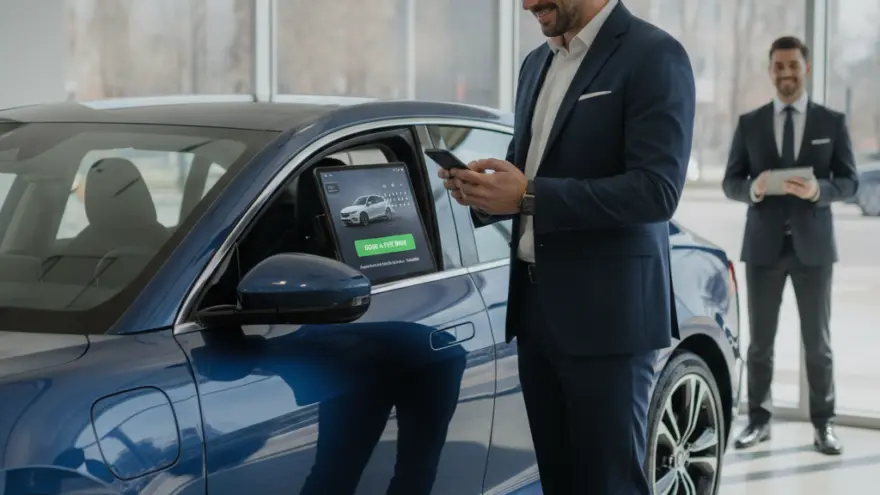
Booking at the vehicle instead of through a general form
The best place for the booking is the vehicle itself. That is where the prospect stands when the wish appears. If he first has to hunt for a general contact page, the trail breaks. The button belongs exactly where the car is on show.
That way the team knows at once what it is about. The appointment already carries the specific car with it. No one has to ask which vehicle was meant. It saves time on both sides and looks professional from the first moment.
For turning website visitors into real visitors at the dealership, read here, how website visitors become a visit to the dealership. Booking at the vehicle is the most direct lever for that. It ties the car on screen straight to a fixed appointment.
How the booking fills your calendar without double work
A good online booking knows your free times. It only offers slots that genuinely fit. Two appointments in the same slot cannot happen, because the system hides times already taken. The calendar stays clean even when several people book at once.
Every confirmation goes to the customer automatically. He receives the date, the time and the vehicle in writing. That creates commitment and cuts the number of forgotten appointments. A short reminder the day before strengthens the effect further.
For you it means less time on the phone. The hours otherwise spent on callbacks flow into advice on site. The salesperson prepares for a fixed appointment instead of chasing an open enquiry.
From real use
A dealership used to offer test drives by phone only. Many prospects got in touch in the evening, reached no one, and a share of them dropped away. Then the business added a booking button to every vehicle page with the ADP Car Market Hub WordPress plugin. Since then prospects enter their own test drive, even at night and at the weekend. The appointments land directly in the team’s calendar. The plugin made the difference, because only round-the-clock booking caught the enquiries that used to be lost with the missed call. It is not a promise of numbers, but the lever is clear.
Less phone time and fewer no-shows
The phone stays important, but it does not suit every request. A simple test drive appointment needs no long conversation. It needs only a free slot and a confirmation. When the online booking takes these cases, it noticeably relieves the front desk.
No-shows annoy every business. A written confirmation and a reminder cut their number. The customer has the appointment in black and white and is more likely to remember it. Anyone who needs to cancel does so with one click, and the slot opens again.
For how fast responses sell more vehicles in general, read here, why fast replies sell more vehicles. An online booking is the fastest reply there is, because it creates a fixed appointment at once.
Keep the booking short
Ask only for the essentials in the first step. A name, the vehicle, a preferred time and a phone number are enough. Every extra field costs completions. Everything else you settle at the appointment itself, in person and without a hurdle in the form.
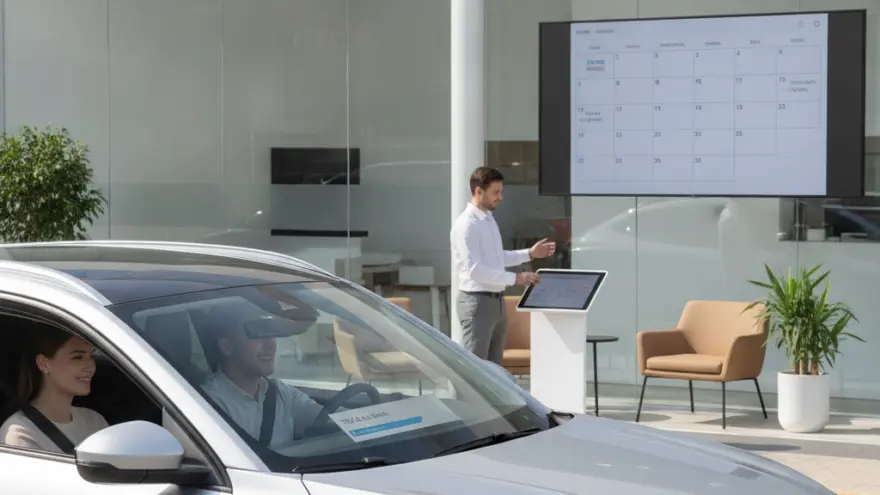
How to introduce online booking at your dealership
Start small. Offer the booking first for test drives, the most common request. Once that runs well, add consultations and service appointments. That way team and customers get used to it step by step.
Set clear times. Only slots the business can genuinely serve belong in the calendar. Better a few well managed appointments than many that slip through. A reliable online booking is worth more than a full but chaotic list.
Tell your customers. A clear button at the vehicle and a note on the home page are enough. For making your stock available around the clock, read here, how to make your online showroom available around the clock. The booking is the logical next step.
Conclusion
Enquiries now appear when your dealership is closed. A dealer who reacts only the next day often loses the appointment. A simple online booking closes that gap. It captures the wish at once, shows free times and places the appointment firmly in your calendar. The ADP Car Market Hub WordPress plugin by AD Promotion puts the booking button right under every vehicle and brings every booked appointment together in your system. So the calendar fills around the clock, without anyone reaching for the phone. A late click becomes a fixed appointment, and the appointment becomes a sale.
Sources
- Think with Google, research on how buyers search and contact dealers online.
- Cox Automotive, studies on car buyer behavior and the path to purchase.
- Statista, data on automotive retail and online vehicle research.
- National Automobile Dealers Association, industry data on dealership operations.
Frequently Asked Questions
Do I need expensive extra software for online booking?
No. The ADP Car Market Hub WordPress plugin brings appointment booking straight to your vehicle pages. You do not need a second system, because the booking runs in your own website and the appointment shows up where the team already looks.
What can the customer book online?
Usually a test drive or a consultation for a specific vehicle. Service appointments can be added if you wish. The customer picks a free slot that you have set in advance and receives an instant confirmation.
Do I lose the personal contact through booking?
Quite the opposite. The online booking only handles the scheduling, which needs no conversation anyway. The actual advice still happens in person, just better prepared, because the vehicle and the time are already set.
How do I avoid double-booked times?
The booking only shows slots that are genuinely free and hides times already taken. So no double appointment occurs in the same slot, even when several prospects try to book at the same time.
Does booking help against no-shows?
Yes, noticeably. The customer gets the appointment in writing and, if you like, a reminder the day before. Both lower the number of missed appointments, because the booking feels more binding and is less easily forgotten.
Does the booking work on a smartphone?
Yes. Most prospects search on a phone, so the booking has to run flawlessly there. Few fields and large buttons make sure the appointment is set in seconds, even on the move.
What is the best way to start?
Begin with test drives, the most common request. Set clear time slots that your business can genuinely serve. Once that runs well for a few weeks, extend online booking to consultations and service appointments.